Platform · Guides
Video work instructions your operators actually follow.
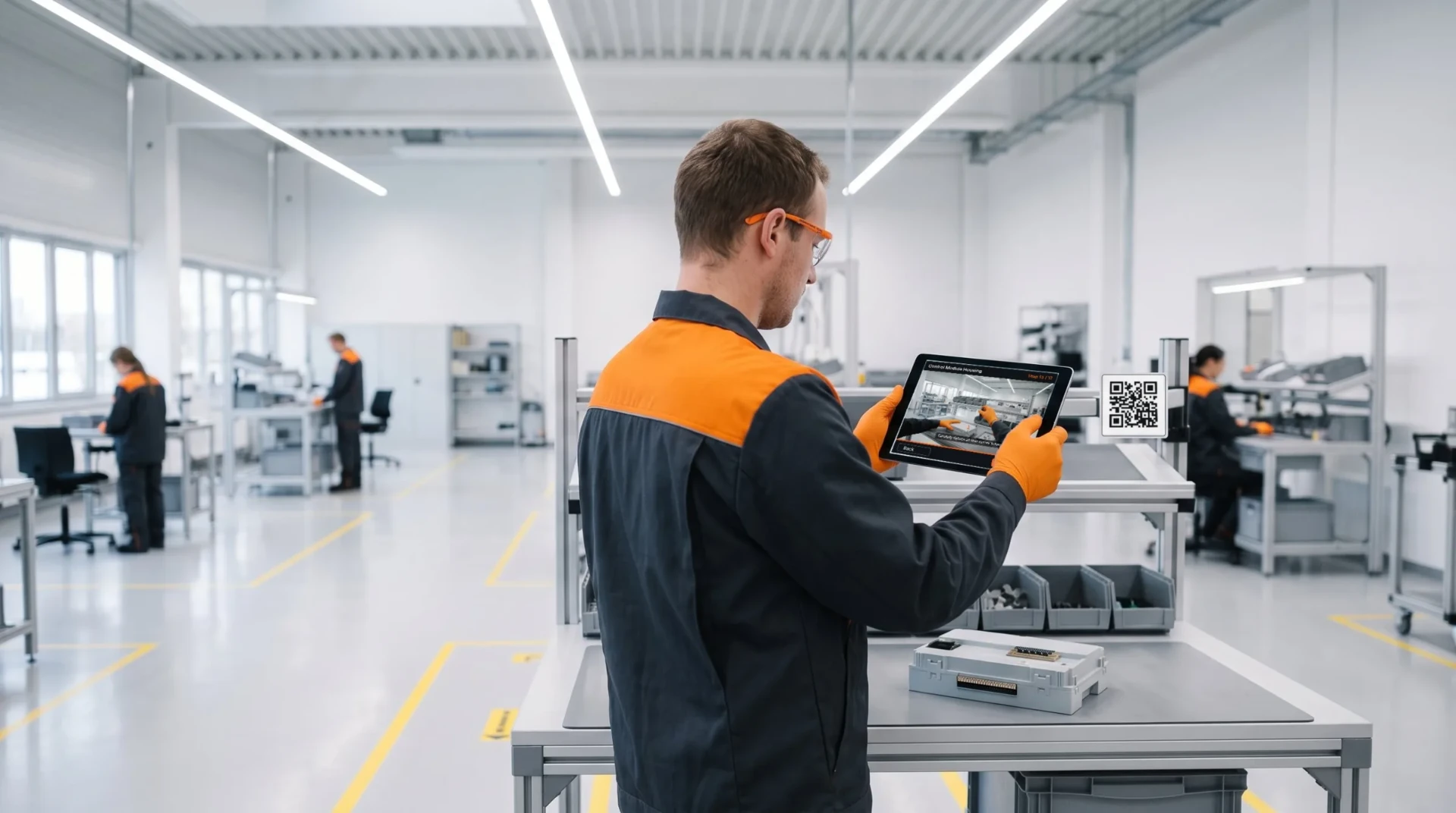
Capture an expert once and turn it into a clear visual guide — video for the tricky steps, plus images, PDFs and 3D where they help. Delivered at the point of use, in every operator’s language, with sign-off captured automatically.
Audit-ready for ISO 9001 · IATF 16949 · ISO 13485 · GMP · AS9100D
Definition
What are video work instructions?
Video work instructions are step-by-step manufacturing guides built from short video, images and annotations that show an operator exactly how to perform a task at their workstation — always the current revision, in their own language.
Visual, not text
Show the job on video, don’t describe it in a paragraph.
Always current
The live revision at every station — never a stale printout.
Language-independent
Auto-translated with voiceover for a multilingual floor.
Guides support more than video
The right medium for every step
We say “video work instructions” because video does the heavy lifting. But a REWO guide is really visual work instructions: combine video, images, PDFs and 3D models in one guide, so each step uses whatever explains it best — a short clip for the one tricky step, a PDF spec for reference.
Video
For the tricky steps — show the exact motion, torque or sequence text can’t.
Photos & images
A labeled shot of the correct part, orientation or finished result.
PDFs
Drop in an existing datasheet, spec or drawing for reference.
3D models
Rotate an assembly view to show how parts fit together.
Use the medium that fits the step — not video for everything.
How it works
How a guide is made
From the expert’s hands to the operator’s station — in five steps.
Step 1
Capture on video
Film the best operator or expert doing the job.
Step 2
Build the guide
Steps, annotations, images — a clear visual guide.
Step 3
Translate
100+ languages with AI voiceover.
Step 4
Approve & version
Review and e-sign before it goes live.
Step 5
Deliver at point of use
QR at the station, or triggered by your MES.
AI-assisted, human-approved
AI drafts. Your engineer decides.
Hand REWO an existing document and AI drafts the guide for you: the steps, the text, the translation and the voiceover. It's a starting point. Nothing reaches the floor until a person has reviewed it and it has passed your approval workflow.
Optional by design
Use it on every guide, on some, or not at all. Every other part of REWO works the same either way.
Human in the loop
AI suggests; the process engineer edits, approves and owns the result.
Runs where your data is allowed to go
On the REWO cloud in Frankfurt, or on your own Azure subscription so content never leaves your environment. On an air-gapped network you author by hand, and everything else runs locally.
Why it’s better
Video vs paper and PDF SOPs
Already have SOPs? Here’s what changes when the instruction becomes visual.
| Dimension | Paper / PDF SOP | REWO video guide |
|---|---|---|
| Creation | Hours of writing & staging photos | Film once, author in minutes |
| Following it | Read a wall of text | Watch the step, then do it |
| Language | One language, needs a translator | 100+ languages with voiceover |
| Currency | Printed once, then stale | Always the current revision |
| Comprehension | Low retention, easy to skip | Higher understanding & retention |
| Proof | Paper sign-off in a binder | Sign-off captured automatically |
Capabilities
What you can do with Guides
Video capture & step editor
Film the job and turn it into structured, annotated steps.
Auto-translation + voiceover
100+ languages, spoken — built for a multilingual workforce.
Approval & version control
Review, e-sign, and retire old revisions automatically.
Point-of-use delivery
QR at the station, standalone — or triggered by your MES.
Feedback loop & analytics
The floor flags issues; completion data shows where they struggle.
→ AnalyticsAI-assisted drafting
Turn an existing document into a draft guide. A person reviews and approves it.
Outcomes
What teams get
5 days
To train a new operator
Down from 2–3 weeks — Aluflexpack.
~85%
Less document-distribution time
Updates reach every station at once — Coloplast.
30–40%
Faster to competency
By internal estimate — Hidria.
Up to 50%
Less training time
On certain operational skills — MANN+HUMMEL.
Results from published REWO case studies. See case studies →
FAQ
Questions, answered
- What are video work instructions?
- Step-by-step manufacturing guides built from short video and images that show an operator how to perform a task at the point of use — always the current revision, in their language.
- How do they differ from a paper or PDF SOP?
- They’re visual instead of text, always the live revision instead of a printed copy, language-independent, and they capture proof that the operator understood.
- How do you create them?
- Film the best operator doing the job, build it into annotated steps, translate with voiceover, approve and version-control it, then deliver it at the station.
- What languages are supported?
- 100+ languages with AI voiceover, so every operator reads and hears the job in their own language.
- Do I need to integrate with my MES?
- No. REWO runs standalone via a QR code at the station, and integrates with your MES/ERP when you want delivery triggered by the work order.
- Are they audit / ISO-compliant?
- Yes — sign-off, version and approval history and a full audit trail are captured automatically, ready for IATF 16949 / ISO.
- Can operators give feedback?
- Yes. Operators flag unclear or outdated steps through the feedback loop, so instructions stay honest and current.
- Does REWO use AI to create work instructions?
- Optionally. AI can draft a guide from an existing document and translate it, but a process engineer reviews and approves every guide. You can turn it off, run it on your own Azure, or work without it on an air-gapped network.
See video work instructions on your floor
A live, 30-minute walkthrough — from capture to sign-off.