Work instructions
Combining Video and CAD Models for Better Work Instructions
· Updated · 4 min read
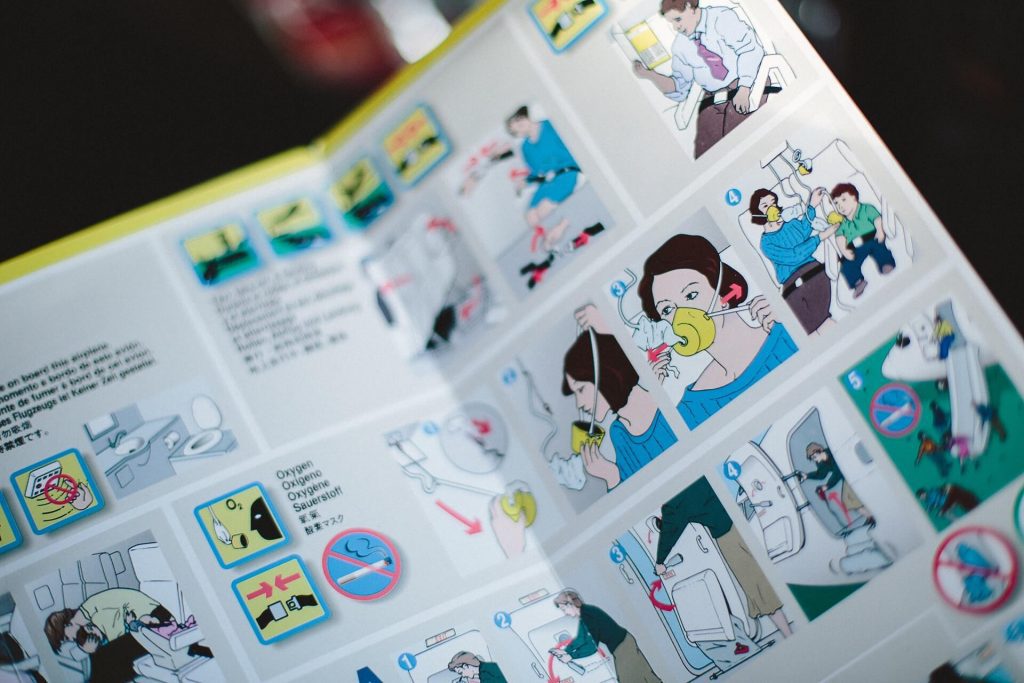
Long blocks of text are a poor way to show someone how to do a physical task, especially for operators who are new to the job or are not reading in their first language. With this in mind, it is less than ideal that most quality systems are based on written work instructions. Video-based and CAD-based work instructions offer many advantages over text-based paper instructions.
Video-based work instruction
Perhaps this is because most of us find it easier to write a document than to create an instructional video? As you will see here, modern video tools mean that it is now much easier to create visual work instructions. So there is really no good reason not to make those work instructions visual. There are three types of visual elements to consider when you create visual work instructions:
- Text – The reader has to be able to skim the text and find what he is looking for with ease. For instance, you can format risks so they always show in a special color.
- Images – Use images to show food, machines or anything where you can make an image. If your instruction is about an ERP system, then make a screenshot.
- Videos – next time you complete a task within a system, do a recording to show the viewer what you are doing.
Images and videos make the material easier to follow and to remember. Nevertheless, the biggest effect comes from involving your colleagues in the process of creating work instructions. Only then will they turn into action – and stay updated. The main benefits of video-based instructions are:
- Video leaves little to the imagination. The viewer sees what they need to do to complete their task.
- They are great for processes where you don't have complete or up to date CAD models.
- It's easy to play video-based instructions on any device (it's a standardized format).
CAD-based work instruction
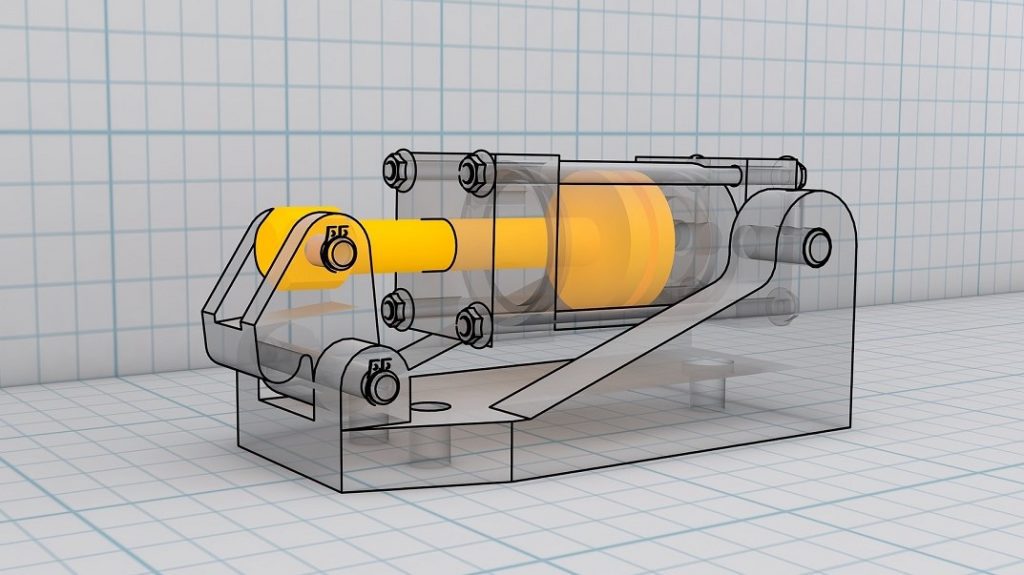
The use of CAD (3D) work instructions has been increasing. The development of CAD work instructions requires special-purpose software applications that are able to directly leverage the 3D models from the 3D CAD system. Such work instructions enable the user to interact with the 3D assembly while increasing understanding quickly by bringing the product to life. Here are the primary benefits of implementing CAD-based 3D work instructions:
- It's easy to reposition a model in order to better understand the task to be performed.
- Internal hyperlinks between the part geometry, parts list, and process steps allow you to add more information.
- Warnings and additional information can be attached to specific parts.
Combining both formats for best results
While both formats have their own advantages, it makes a lot of sense to combine them. CAD-based work instructions can be used to easily produce a lot of variants, but they often don't show a realistic environment. We all know that the engineering world is the idealized version of any manufacturing shop floor. Video-based instructions do require a few more steps (video needs to be recorded while CAD animations are exported), but they do show you exactly what you should be doing. Video-based instructions take more effort for the NPI engineers who create work instructions, but they are better for the end viewers who need to do the actual work.
What we recommend is using a combination of both. Use video-based instructions to show the main part of the work process. This will help the viewer position themselves into the environment. For specific parts that differ across different types of models of the same product, use CAD-based animations to point out the changes. In this way you help both sides – the authors of work instructions who spend less time creating the work instructions and the end viewers who will understand the instructions faster.
Where REWO fits
REWO Guides builds step-by-step instructions from video, images and text. Shop-floor video and exported CAD renders or animations can sit side by side in the same guide, so authors can show the real workstation and highlight the variant-specific part in one place.
Read next: REWO Guides · Why video is better than text for work instructions · Work instructions for high-mix assembly