Work instructions
The Use of QR Codes in Manufacturing
· Updated · 4 min read
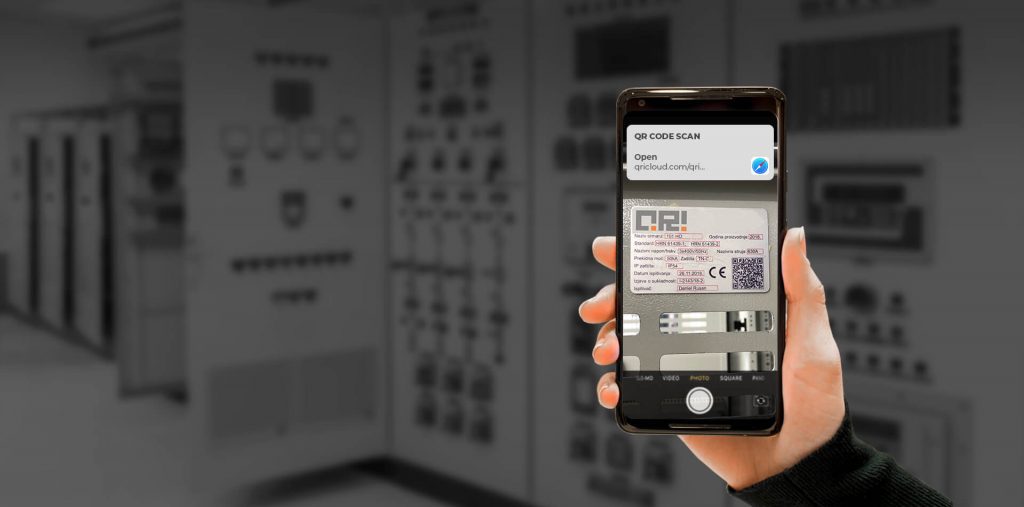
A QR code (abbreviated from Quick Response code) is a type of matrix barcode (or two-dimensional barcode) first designed in 1994 for the automotive industry in Japan. A barcode is a machine-readable optical label that contains information about the item to which it is attached. In practice, QR codes often contain an identifier or a link that points to a website or application. The Quick Response system became popular outside the automotive industry due to its fast readability and greater storage capacity compared to standard barcodes. In this post, we look at where QR codes are genuinely useful on the shop floor, and where they go wrong.
Where QR codes came from
QR codes were invented to track parts in manufacturing. In the early 1990s, Denso Wave, then part of the Toyota group supplier Denso, needed a code that could hold more information than a standard barcode and be scanned quickly on the production line. The result, released in 1994, was the QR code.
Today the main practical change is that almost everyone carries a scanner. A phone or tablet camera reads a QR code without special hardware, which makes it cheap to put codes wherever people need information.
Opening the right work instruction at the station
This is the use that matters most for work instructions. Put a QR code on the workstation, the machine or the job traveller, and an operator who scans it lands on the instruction for that exact place or job.
The important design choice is what the code points to. If it points to a file (a PDF on a shared drive, an attachment in an email), it will keep pointing to that file after the process changes. Someone updates the instruction, saves a new version under a new name, and the code on the machine still opens the old one.
A QR code should point to the instruction, not to a file. When the instruction is revised and approved, the same code opens the new approved version. Nobody has to reprint labels, and nobody has to wonder whether the copy in front of them is current.
A few practical points:
- One code per place or job. A code on a machine should open what is done at that machine. A code on a traveller should open the instruction for that part number or operation. For high-mix assembly, the traveller is often the better place, because the station changes jobs but the traveller goes with the part.
- Use printed copies to check, not to replace. If you still keep printed instructions at a station, print a QR code on them. Anyone holding the paper can scan it and see whether the printed copy still matches the current version.
- Make labels last. Oil, heat and cleaning wipe out paper stickers. Laminated or metal tags, placed at eye level and away from splash zones, scan reliably for years.
- Check the devices. Decide which tablets or phones are allowed on the floor, and test scanning under real lighting and at the distance operators will actually stand.
Tracking parts and work in progress
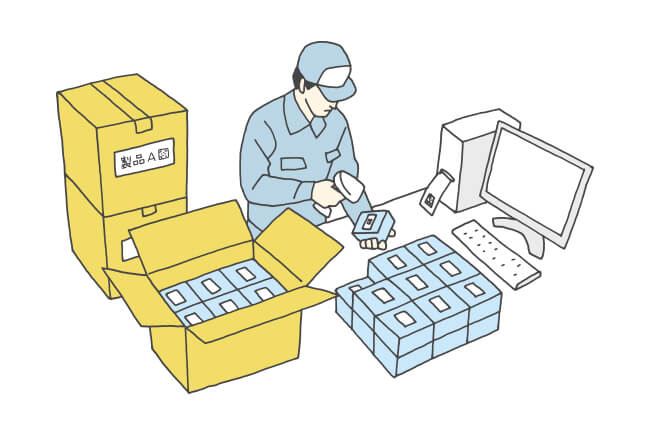
QR codes on parts, bins and travellers let you record where a part is and which operations it has passed through. Because a QR code holds more data than a standard barcode, it can carry a part number, batch and serial number in one label. This supports traceability when a customer or auditor asks which batch went where.
Equipment and maintenance
Keeping track of maintenance for every piece of equipment can be labor-intensive, particularly if you rely on paper records. A QR code on each machine can open its maintenance history, the next scheduled check and the procedure for it. The technician scans, does the check, records the result, and the record is tied to that machine instead of to a binder in the maintenance office.
Tools, gauges and fixtures
Tools and gauges move around. A QR code on a torque wrench, gauge or fixture can identify it and show its calibration status or the instruction for setting it up. This is especially useful for changeover fixtures that look alike but belong to different products.
Where REWO fits
In REWO Guides, every instruction can be opened by QR code or exported as a PDF with a QR code on it. The code opens the current approved version, so a revision reaches the station without reprinting. Instructions can also be opened from the MES or ERP, where a work order opens the right instruction directly.
Read next: REWO Guides · Work instructions for high-mix assembly · Process engineers