Work instructions
Mastering Video Recording for Work Instructions: A Practical Guide for the Shop Floor
· Updated · 3 min read
On the shop floor, the clarity of work instructions has a direct effect on output and quality. This is especially true when training new operators or holding a high production standard. Video shows what text struggles to describe: hand positions, sequence, speed, and what "correct" looks like.
Whether you're a shift leader, technician or production trainer, knowing how to record a good instructional video changes how your team learns. This guide covers the essential techniques, set-ups and practical advice for recording useful video content with tools you likely already have.
Why video-based training works
An operator who can see the task done correctly needs less explanation. In manufacturing, this means faster training, fewer repeated questions, and fewer mistakes on the line. Well-recorded videos help standardise procedures, reduce the need for shadowing, and give operators confidence.
Recording methods: choose what works for you
Solo recording – first-person view
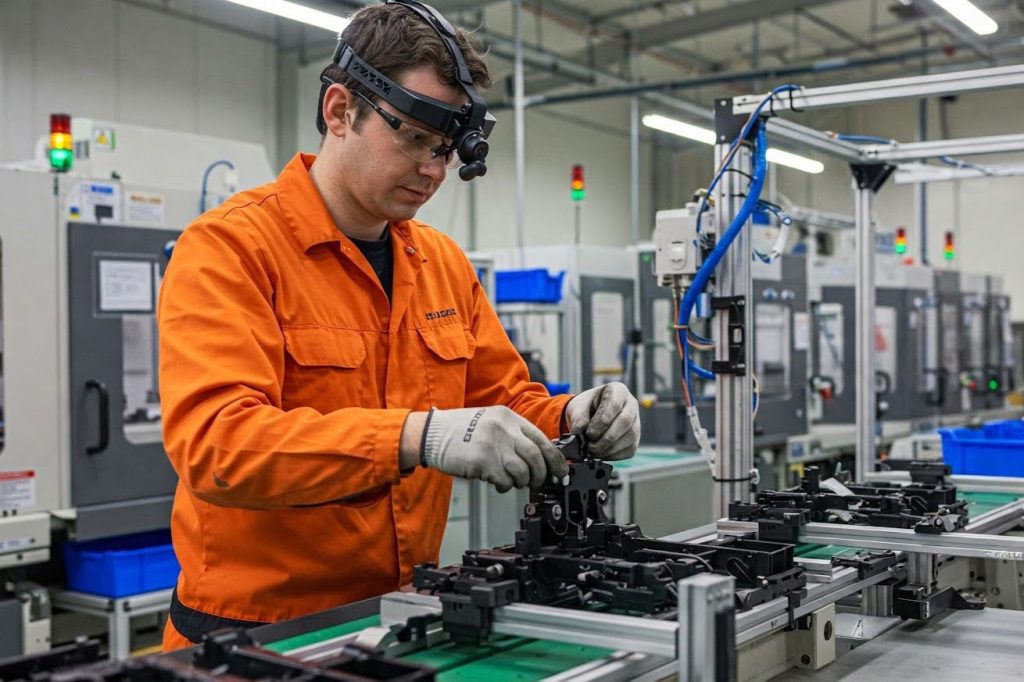
This method works well when you're working alone or in confined spaces. Use a head-mounted or chest-mounted camera and angle it slightly downward to keep your hands and the work area in view. Move slowly, and consider narrating what you're doing as you go to reduce the need for voiceovers later.
Two-person set-up – operator and camera person
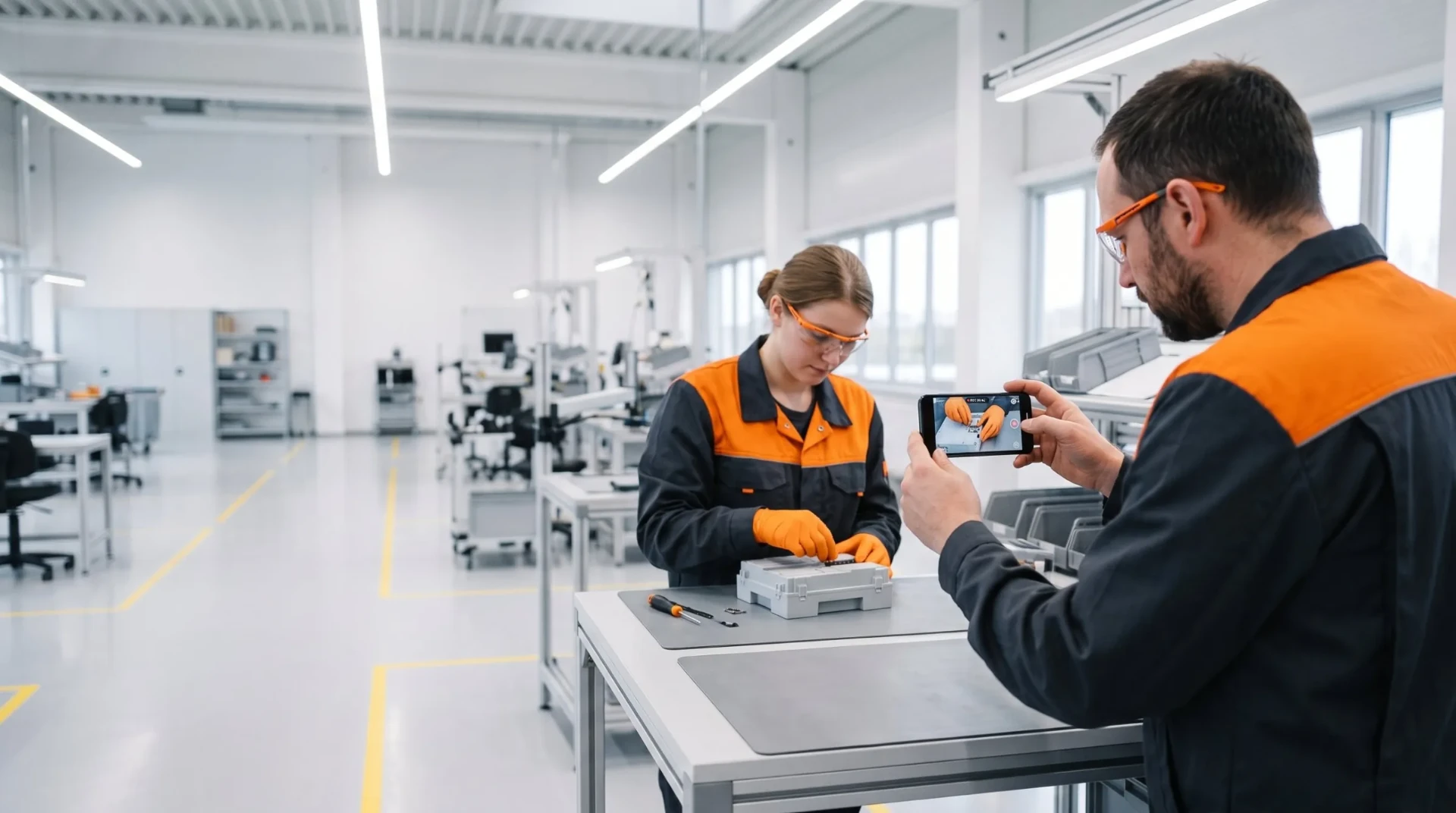
This set-up gives better framing and flexibility. One person performs the task while the other records, making sure all key details are captured clearly. It also reduces distraction and improves safety for the person demonstrating the task.
Using a 360-degree camera
A 360 camera captures everything around you, so you don't have to worry about framing during recording. This is useful for body-worn set-ups in unpredictable environments. However, choosing the final viewing angle afterwards takes extra editing time.
Recording digital processes
Screen recording
For software tutorials, login procedures or machine configuration done on a computer, record the screen directly instead of filming it. A screen recording is sharp, readable and free of reflections. Add it to the instruction like any other video.
Filming machine screens with a smartphone
Some machines don't support screen recording, so a smartphone is the next best option. Fix the phone in a stable position and check for reflections. Make sure the screen is readable and that finger taps or clicks are easy to follow. Add pauses between actions, or annotations during editing, to guide the viewer.
Best practices on the shop floor
Start by recording in landscape mode. Lighting matters—use natural light or a ring light if needed. Stabilise your camera with a tripod or a body mount and double-check your framing before you begin. It's a good idea to rehearse the process once without recording.
Speak clearly and slowly. Record more footage than you think you'll need—you can always cut it down later. Don't worry about getting everything perfect in one take. Focus on capturing clear, complete steps. If a step is difficult to film, supplement it with photos or text.
Mistakes to avoid
Avoid shaky, handheld recordings. Don't let your hands or tools block the camera view. Make sure the area is well lit. Always review your footage immediately and re-record unclear sections while you're still on site. Avoid moving too quickly or using terms that might confuse new operators.
Editing for clarity
You don't need expensive software. Trim unnecessary sections, remove long pauses, and combine clips from different angles if needed. Keep videos short and focused on individual steps. Then add short text to each step and supporting photos where a detail needs a closer look.
Final advice
Create a consistent recording approach by using a checklist. Train your team in basic video techniques. Standardised videos save time and raise the overall quality of your instructions. The best videos are the ones your team can understand and follow with confidence.
Where REWO fits
In REWO Guides you build step-by-step instructions from your video, images and text, send them through approval, and translate them into the languages your operators speak.
For more guidance, see REWO Guides or book a demo.
Read next: Why video is better than text for work instructions · Combining video and CAD models for work instructions · REWO for operators